To create a Sphere in the Main Menu select New Entity - > Primitives - > Sphere
There are two algorithms for creation of a Sphere.
The Result of each operation will be a GEOM_Object (SOLID).
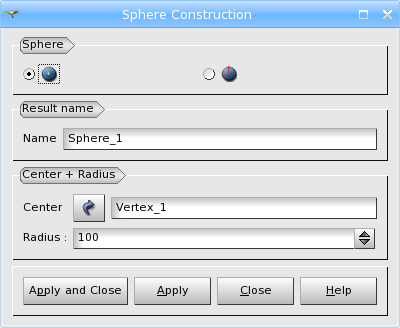
Firstly, you can define a Sphere by the Center Point and the Radius.
Arguments: Name + 1 vertex + 1 value (Radius).
TUI Command: geompy.MakeSpherePntR(Point, Radius)
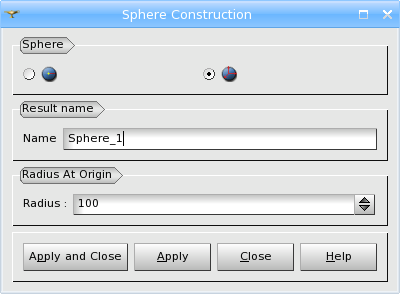
Secondly, you can define a Sphere with the center at the origin of coordinate system by the Radius.
Arguments: Name + 1 value (Radius).
TUI Command: geompy.MakeSphereR(Radius)
NB! The is another way to create a Sphere, which is currently accessible only via TUI commands.
You can define the Sphere by the coordinates of the Center Point and its Radius (in this way you don't need to create the center point in advance).
TUI Command: geompy.MakeSphere(X, Y, Z, Radius)
Example:
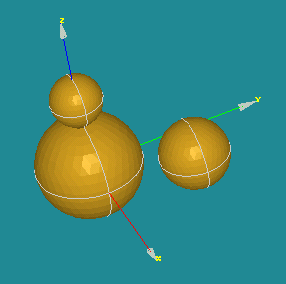
Our TUI Scripts provide you with useful examples of creation of Primitives.