Check Free Faces
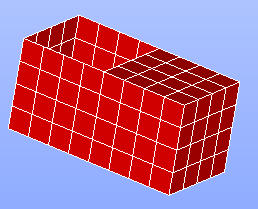
This operation highlights in red all free faces of the selected shape in the 3D Viewer.
A free face is a face, which is not shared between several sub-shapes of the shape.
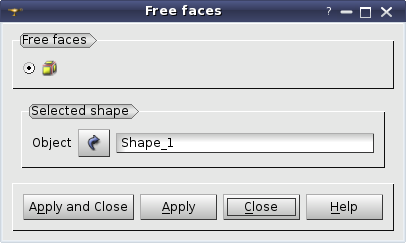
Press Apply or Apply and Close button to publish the corresponding faces in the study.
TUI Command: GetFreeFacesIDs(Shape), where Shape is a shape to be checked.
See also a TUI example.