To produce a Mirror Image in the Main Menu select Operations - > Transformation - > Mirror Image
This operation creates a symmetrical copy of an Object, which can be mirrored in three different ways.
Create a copy checkbox allows to keep the initial object, otherwise it will be removed.
The Result will be a GEOM_Object.
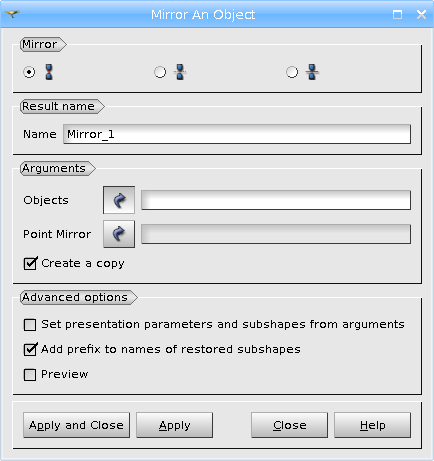
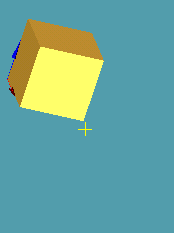
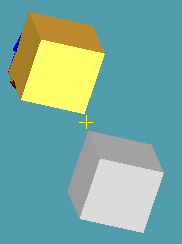
Firstly an Object can be mirrored through a Point of symmetry
TUI Command: geompy.MakeMirrorByPoint(Object, Point)
Arguments: Name + one or several objects + 1 vertex.
Advanced options.
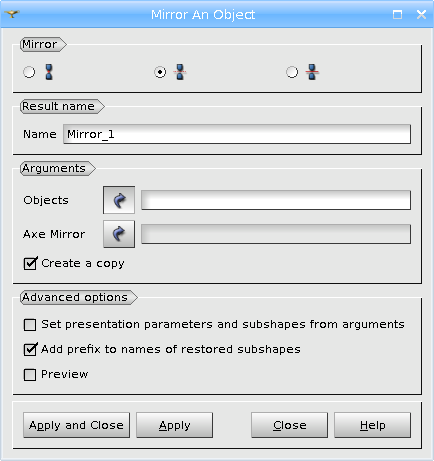
Secondly an Object can be mirrored through an Axis of symmetry
TUI Command: geompy.MakeMirrorByAxis(Object, Axis)
Arguments: Name + one or several objects + 1 vector.
Advanced options.
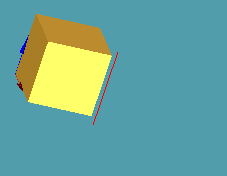
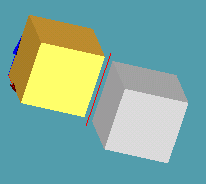
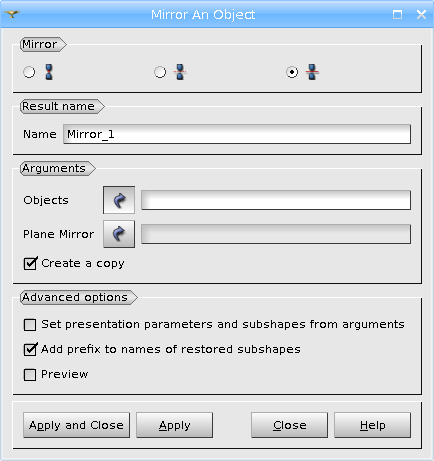
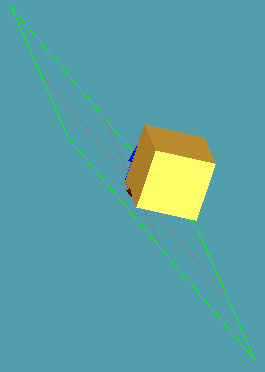
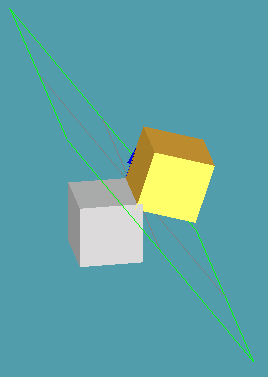
Finally an Object can be mirrored through a Plane of symmetry
TUI Command: geompy.MakeMirrorByPlane(Shape, Plane)
Arguments: Name + one or several objects + 1 plane
Advanced options.
Our TUI Scripts provide you with useful examples of the use of Transformation Operations.