Color
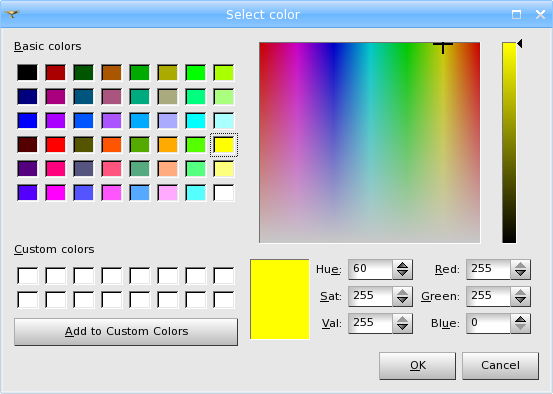
You can change the filling color of your object in the standard Select Color menu accessible by right-clicking on an object and selecting Color in the pop-up menu box.
This functionality is available only if artificial material model is assigned to the selected shape.
TUI Command: gg.setColor(ID, Short, Short, Short)
Our TUI Scripts provide you with useful examples of Changing Display Parameters.