Point Marker
You can change the representation of points in the 3D viewer either by selecting one of the predefined shapes or by loading a custom texture from an external file.
Standard point markers
The Mesh module provides a set of predefined point marker shapes which can be used to display points in the 3D viewer. Each standard point marker has two attributes: type (defines shape form) and scale factor (defines shape size).

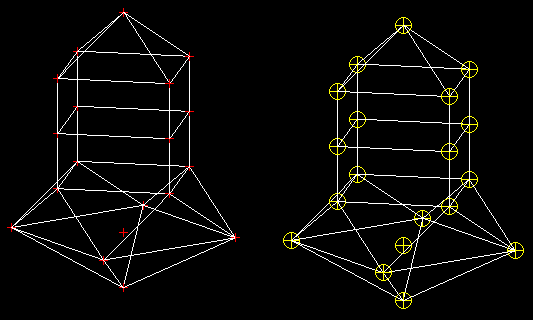
Mesh presentation with standard point markers
Custom point markers
It is also possible to load a point marker shape from an external file. This file should provide a description of the point texture as a set of lines; each line is represented as a sequence of “0” and “1” symbols, where “1” symbol means an opaque pixel and “0” symbol means a transparent pixel. The width of the texture corresponds to the length of the longest line in the file, expanded to the nearest byte-aligned value. The height of the texture is equal to the number of non-empty lines in the file. Note that missing symbols are replaced by “0”.
Here is a texture file sample:
11111111
10000001
10011001
10111101
10111101
10011001
10000001
11111111

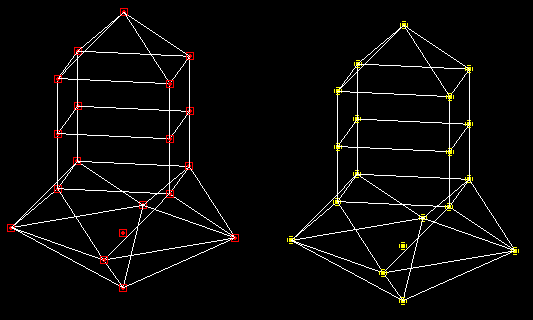
Mesh presentation with custom point markers