Group Based on Nodes of Other Groups
To create a standalone group of entities basing on nodes of existing reference groups, in the Mesh menu select Group based on nodes of other groups.
The following dialog box will appear:
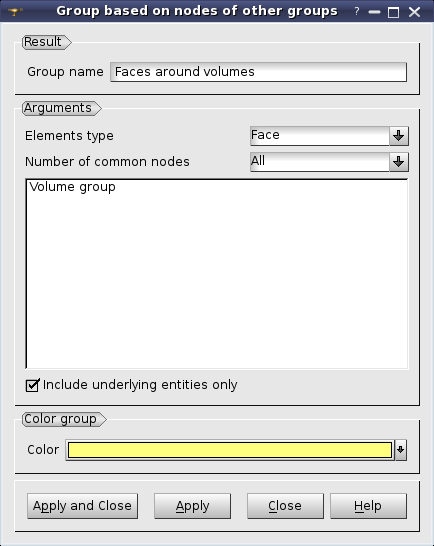
In this dialog box specify
the resulting Group name,
the Elements Type of entities of the resulting group,
- the criterion of inclusion of a mesh entity to the result group, which is Number of common nodes of the entity and the reference groups:
All - include if all nodes are common;
Main - include if all corner nodes are common (meaningful for a quadratic mesh)
At least one - include if one or more nodes are common
Majority - include if half or more nodes are common
select reference groups,
If Include underlying entities only option is activated an entity can be included if it is based on nodes of one element of a reference group.
In the figure below, there are two reference Volume groups:
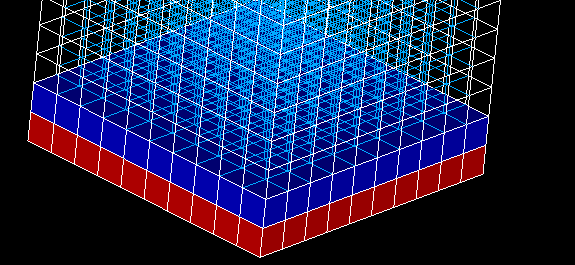
Reference groups
In this case the following results for Faces, Edges and Nodes are obtained:
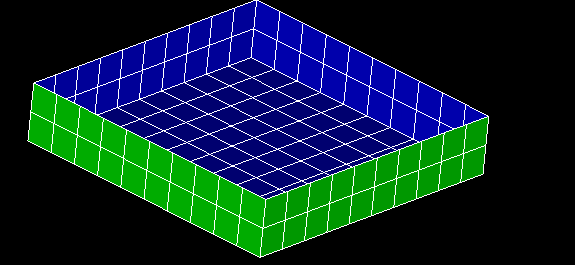
Faces
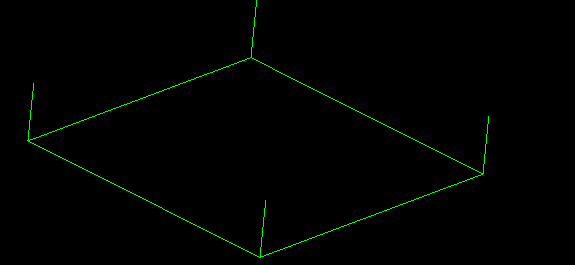
Edges
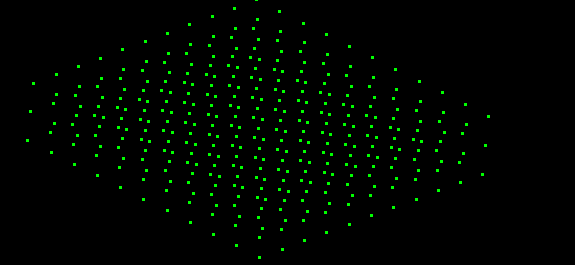
Nodes
See Also a sample TUI Script of a Creating groups of entities basing on nodes of other groups operation.