Filling
Filling feature creates one or several faces using shapes already existing in other objects.
To create a filling in the active part:
select in the Main Menu Build - > Filling item or
click
 Filling button in the toolbar
The following property panel will be opened:
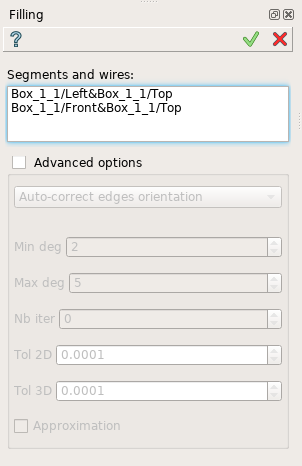
Create a filling
Select two or more edges in the viewer.
Advanced options manage filling process.
Apply button creates a filling.
Cancel button cancels the operation.
TUI Command:
- model.addFilling(Part_doc, Edges)
- Parameters:
part – The current part object.
list – A list of shapes.
- Returns:
Result object.
Result
The result of the operation will be a set of faces created from the selected shapes:
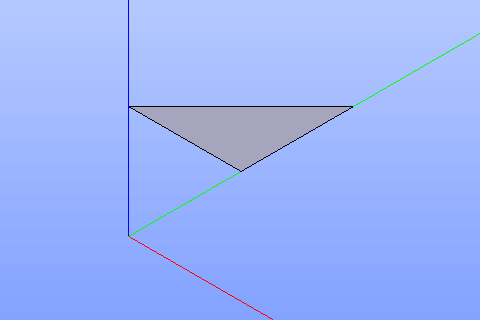
Result of the operation.
See Also a sample TUI Script of Create Filling operation.