Sub-shapes
The feature Sub-shapes modifies the selected entity by creating a non-manifold topology. It gives the possibility to:
add/remove vertices lying on edges of a wire;
add/remove edges and vertices lying on a face.
To create Sub-shapes in the active part:
select in the Main Menu Build - > Sub-shapes item or
click
 Sub-shapes button in the toolbar
The following property panel appears.

Sub-shapes property panel
Input fields:
Shape panel contains the shape to be modified. The shape is selected in 3D OCC viewer or object browser. For today it has to be a wire or a face;
Sub-shapes panel contains the list of sub-shapes which are already included into result. A sub-shape can be deleted from the list or the list can be extended with new shapes selected in the view.
TUI Command:
- model.addSubShapes(Part_doc, shape, sub-shapes)
- Parameters:
part – The current part object.
object – A shape in format model.selection(TYPE, shape).
list – A list of sub-shapes in format model.selection(TYPE, subshape).
- Returns:
Result object.
Result
The result replaces the original shape with its copy with added/removed sub-shapes.
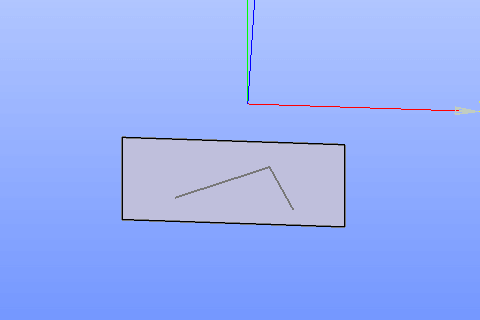
Sub-shapes
See Also a sample TUI Script of Create Sub-shapes operation.