Area
Area mesh quality control is based on the algorithm of area calculation of mesh faces.
To apply the Area quality control to your mesh:
Display your mesh in the viewer.
Choose Controls > Face Controls > Area or click “Area” button
 .
.
Your mesh will be displayed in the viewer with its faces colored according to the applied mesh quality control criterion:
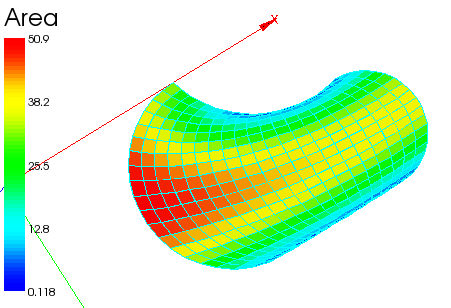
See Also a sample TUI Script of an Area filter.