Point sprite presentation
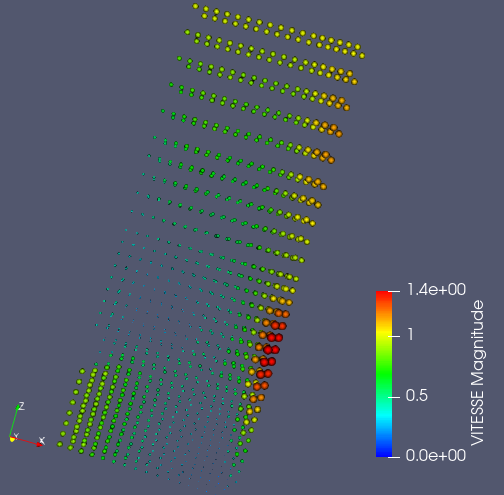
Point sprite presentation presents data on field as a set of fixed points of the renormalisation group flow with Gaussian distribution.
To create a Point sprite presentation,
Select a field item in the Object Browser, and
Choose Presentations > Point sprite menu or click
 button in the Presentations toolbar.
As a result, Point sprite presentation is published in the Object Browser under selected field and displayed in the 3D Viewer.
Point sprite presentation has the same base and additional parameters as Scalar map presentation.