Slices presentation
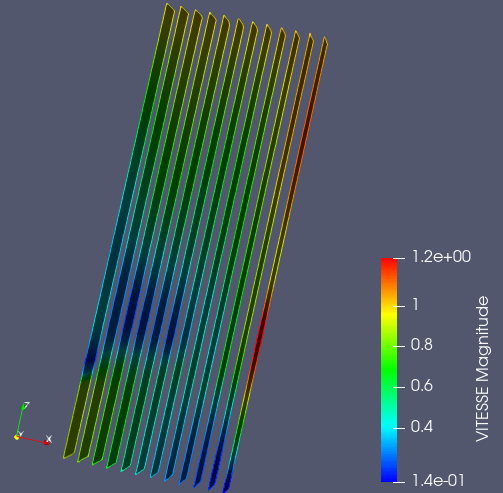
Slices is a type of field presentation, when the given mesh is cut by a number of planes. These planes are colored according the the values applied to the mesh cells.
To create a Slices presentation,
Select a field item in the Object Browser, and
Choose Presentations > Slices menu or click
 button in the Presentations toolbar.
As a result, Slices presentation is published in the Object Browser under selected field and displayed in the 3D Viewer.
Slices presentation has the same base parameters as Scalar map presentation, plus the following own ones:
Displayed component: this parameter is available only for vector fields; it allows coloring the presentation in accordance with the Euclidean norm value of a vector field or with the given component of a vector field,
Number of slices: specifies the number of cutting planes; max allowed value of this parameter is 20,
Slice orientation: defines an orientation of cutting planes.