Elliptic Arc
Elliptic Arc feature creates an elliptic arc segment in the current Sketch.
To add a new Elliptic Arc to the Sketch:
select in the Main Menu Sketch - > Elliptic Arc item or
click
 Elliptic Arc button in Sketch toolbar:
The following property panel appears:
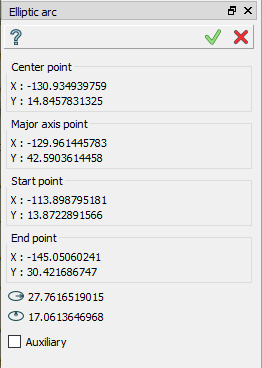
Click in the view to set the center point, then move the mouse and click a second time to set a point of a one semi-axis, then click to set a starting point of the arc and then to set an end point of the arc.
TUI Command:
- Sketch_1.addEllipticArc(CenterX, CenterY, FocusX, FocusY, StartX, StartY, EndX, EndY, Inversed)
- Parameters:
real – Center X.
real – Center Y.
real – Focus X.
real – Focus Y.
real – Start X.
real – Start Y.
real – End X.
real – End Y.
boolean – Is inversed.
- Returns:
Result object.
Result
Created elliptic arc appears in the view.
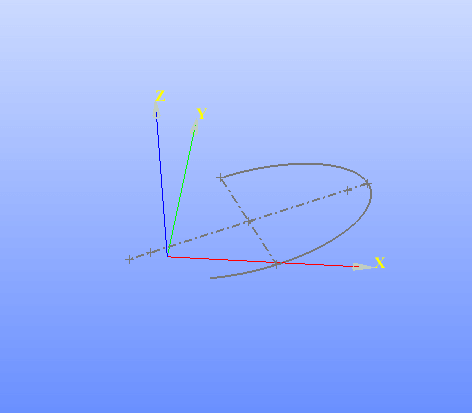
Elliptic arc created
See Also a sample TUI Script of Create Sketch Elliptic Arc operation.