Copy
Copy feature makes duplicates of the selected features, results, sub-results and sub-shapes. For the whole feature selected all results of this feature are copied. The referenced arguments of this feature are not concealed. The history behavior of copy is specific: Move to the End of groups will move to all copy-results. For an example, if a face of a box was selected for a group and a copy of this box was done, the Move to the End of this group will cause two faces appeared in this Group: the original one and the copy.
To create a Copy in the active part:
select in the Main Menu Features - > Copy item or
click
 Copy button in the toolbar
The following property panel will be opened:
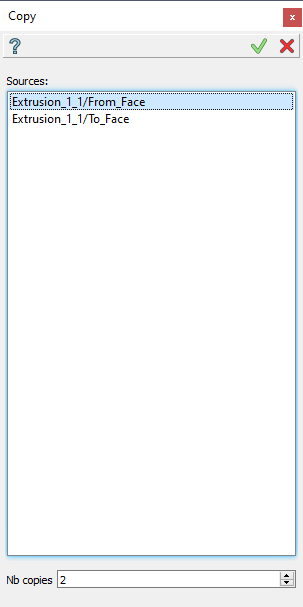
Copy operation
Here it is necessary to select some objects. Only results and sub-results and their sub-shapes located in the folder Results can be selected and copied. Also it is possible to increase the number of resulting copies.
Apply button creates a copy.
Cancel button cancels the operation.
TUI Command:
- model.addCopy(Part_doc, objects, number_of_copies)
- Parameters:
part – The current part object.
objects – A list of objects.
number_of_copies – A number of resulting copies.
- Returns:
Result feature Copy.
Result
The Result of the operation will be one or several copies of the selected shapes located in the same place:
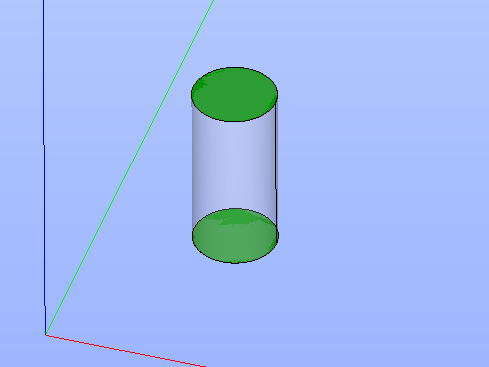
Copy created
See Also a sample TUI Script of Create Copy operation.