Split
Split feature implements a Boolean operation splitting of main objects by parts of tool objects.
To perform Split in the active part:
select in the Main Menu Features - > Split item or
click
 Split button in the toolbar
The following property panel will be opened:

Split operation
Main Objects contains a list of objects selected in the Object Browser or in the Viewer, which will be cut and split by tool objects.
Tool Objects contains a list of objects selected in the Object Browser or in the Viewer, which will cut and split the main objects. Construction planes may be selected too.
Fuzzy Parameter defines the additional tolerance value used to eliminate tiny results.
See preview button shows a result of the operation.
TUI Command:
- model.addSplit(Part_doc, mainObjects, toolObjects, fuzzy)
- Parameters:
part – The current part object.
list – A list of main objects.
list – A list of tool objects.
real – Additional tolerance used to eliminate tiny results (optional).
- Returns:
Result object.
Result
The Result of the operation will be a shape, which is a split of tool objects with main objects:
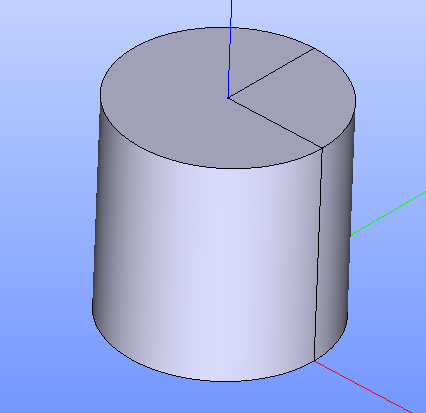
Split created
See Also a sample TUI Script of Create Split operation.